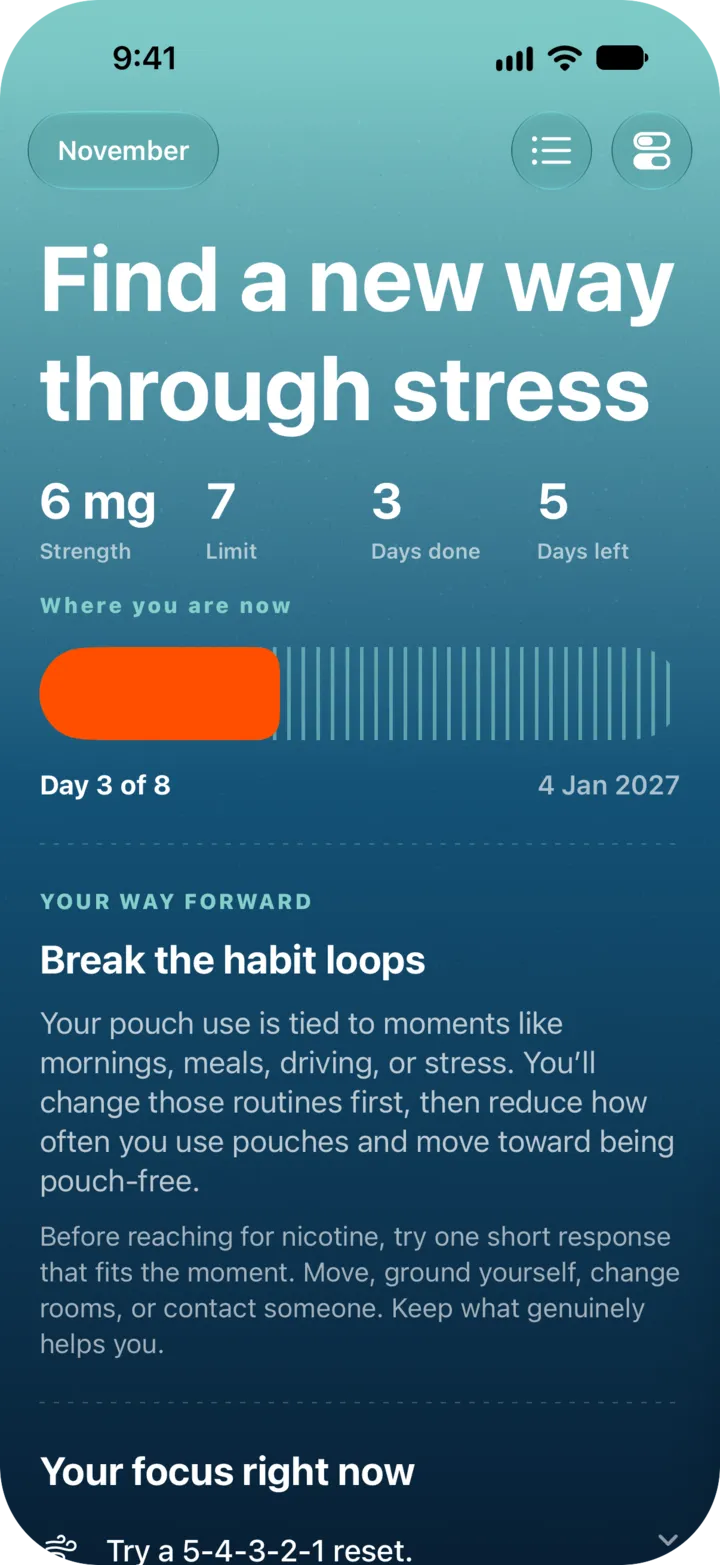
Adjust Your Plan: Limit, Strength, Restart
Updated
Open Settings, then “Adjust my plan”. You can change your pouch limit and pouch strength there, or start setup again. Your past logs stay the same.
Change your limit or strength
- Tap the switch icon: top left on Plan, top right on Logs. That opens Settings.
- Under “My quit plan”, tap “Adjust my plan”.
- Set “Pouch limit” (1 to 30) and “Pouch strength” in mg.
- Tap “Save these changes”, then “Save changes”.
NoSnus confirms with “Plan updated”. Your current and upcoming steps now use the new limit and strength. The button stays off if nothing changed, and in a pouch-free step, where the limit is 0.
Accept an easier limit
When five or more of the last seven days in a step go over the limit, Logs shows a card with “Make this step easier”. Tap it to see the new limit and your new pouch-free date, then tap “Use the easier target” to accept. Tap “Keep current limit” on the card to leave things as they are. The new limit starts a fresh seven-day stretch. A step can be eased twice at most.
Lower the strength
Some plans ask you to move to a lower pouch strength. Logs shows “Ready to lower the strength?” with two buttons: “Change to N mg” and “Keep N mg”. The lower strength only applies once you accept it, and your plan waits for your answer before it moves on.
Restart your plan
- In “Adjust my plan”, tap “Restart my plan”.
- Tap “Start setup again”. You answer the setup questions and get a fresh plan.
Your logs and history stay exactly as they are.
Pouch costs
Settings also has “Pouch costs”: can price, pouches per can and currency. They change the money numbers only, not your plan.
NoSnus is not medical advice. Talk to a doctor or pharmacist before changing how you use nicotine.
Still stuck? Email support@cntxtlabs.co.