Your Two Daily Limits: Pouches and mg
Updated
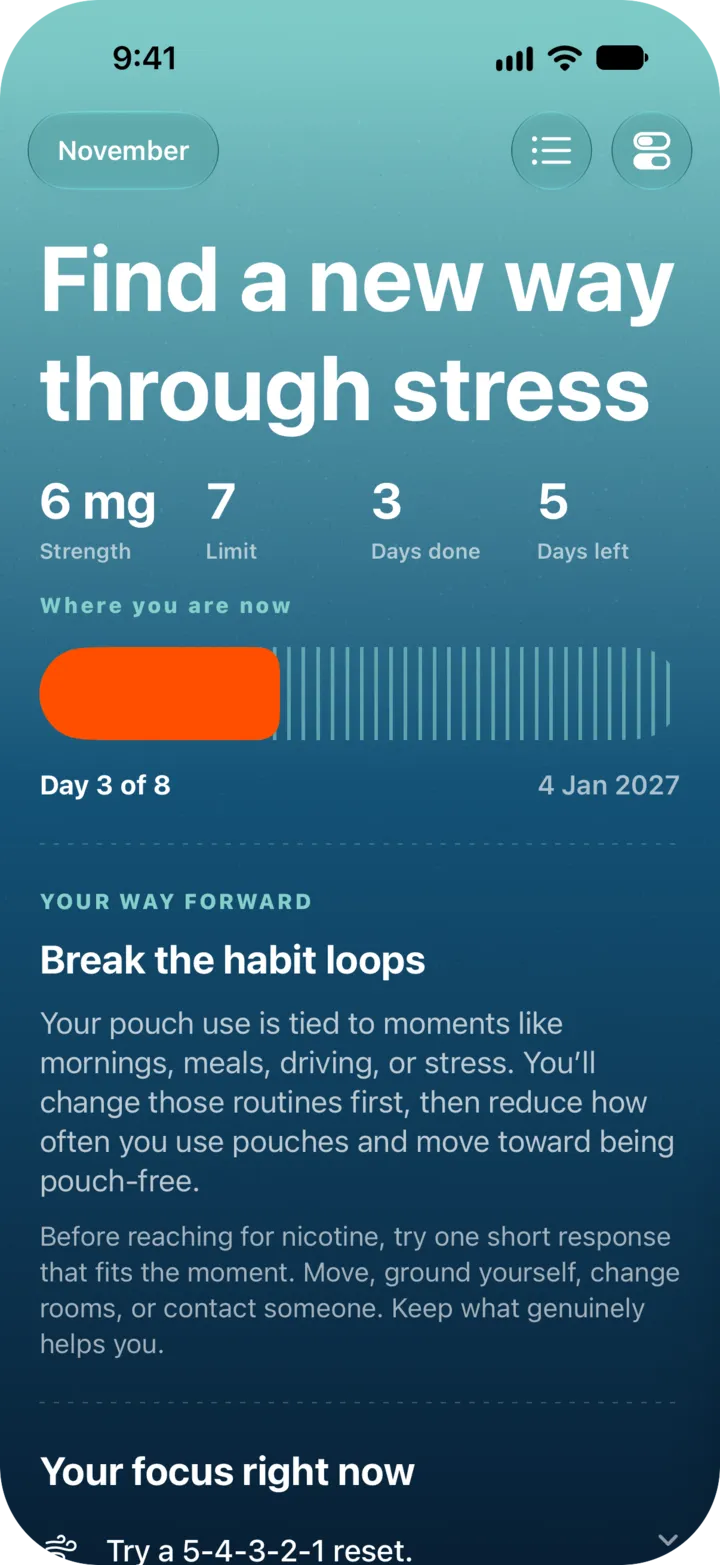
Every step of your plan has two daily limits: a number of pouches and a milligram (mg) ceiling. A day counts as within your plan only if you stay within both. The app shows you the pouch limit and the step’s pouch strength, not the mg total.
Where to see them
- Swipe sideways on Logs to open Plan. The current step shows “Limit” (pouches) and “Strength” (mg per pouch).
- Go back to Logs. The large number is what you have left today. It reads “remaining today” for today and “remaining” for another day.
- When you pass the limit, the number turns into a plus sign and a count, such as “+2”, with the words “over your limit”.
Pouches and slips both count toward the number.
How the mg limit works
The mg ceiling is the step’s pouch limit multiplied by the step’s pouch strength. NoSnus records each log at the strength saved in your plan.
A day also fails if the average pouch is stronger than the step expects, even when the total is under the ceiling. If that happens on four or more of your last seven days, Logs shows a card with the button “Adjust strength”. Use it, or open Settings, “Adjust my plan”, and change “Pouch strength” to the strength you really use.
What a failed day means
A failed day is information, not a reset. A step needs most days within the limits, not every day. If days with stronger pouches keep adding up after the first step, NoSnus can also move your plan back one step. For a seven-day step that means six days. See log a slip for what happens after a bad day.
In the pouch-free steps the pouch limit is 0.
Still stuck? Email support@cntxtlabs.co.