NoSnus Support: Get Help With the App
Updated
Email support@cntxtlabs.co. You can also write from inside the app: Settings, “Support and feedback” opens an email draft with the subject “NoSnus support and feedback”.
Write from the app
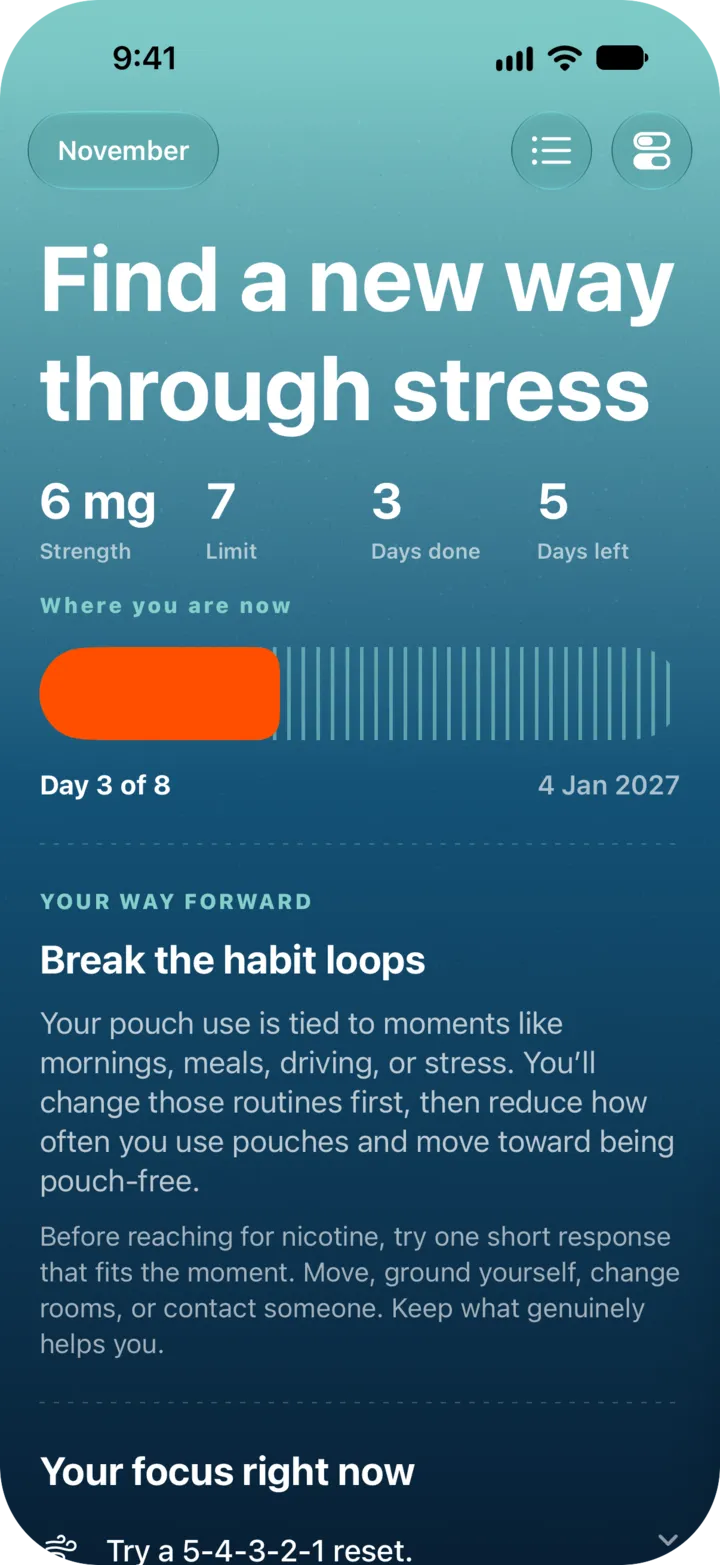
- Tap the switch icon: top left on Plan, top right on Logs. That opens Settings.
- Under “Help and legal”, tap “Support and feedback”.
- Your Mail app opens with a draft. Add your message and send it.
Two other ways in:
- Touch and hold the NoSnus icon on your Home Screen and tap “Something wrong?”, which says “Email the maker directly”.
- On the purchase screen that shows the plans, scroll to the bottom and tap “Contact”.
What to include
- What you did, what you expected and what happened instead.
- Your iPhone model and iOS version. Find them in Settings, General, About.
- Your NoSnus version. It is at the bottom of NoSnus Settings.
- For a purchase problem, whether you bought weekly or lifetime, roughly when, and the message on screen.
Do not send card details or your Apple Account password.
What support can and cannot do
Support helps with how the app works, purchases and your data. It cannot give medical advice, and it cannot recover logs you deleted or that were on an iPhone you no longer have. NoSnus keeps them only on the device.
For withdrawal symptoms, a health worry or a hard moment, speak to a doctor, a pharmacist or a quitline. See free quitlines and help.
NoSnus is made by Cntxt Limited.
Still stuck? Email support@cntxtlabs.co.